
Symmetry PACS
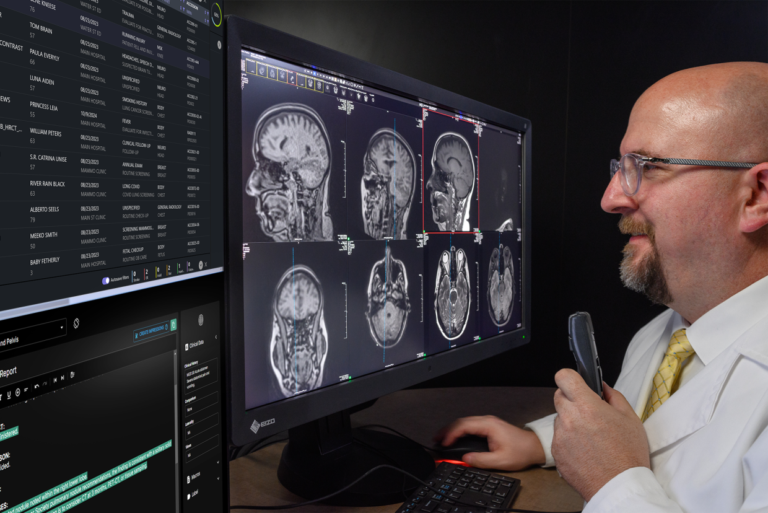
Symmetry PACS from Konica Minolta is a web-based imaging software platform designed to streamline access, workflow, and image management.


Symmetry PACSTechnical Specifications
| System Type | Web-based PACS imaging workflow software platform |
|---|---|
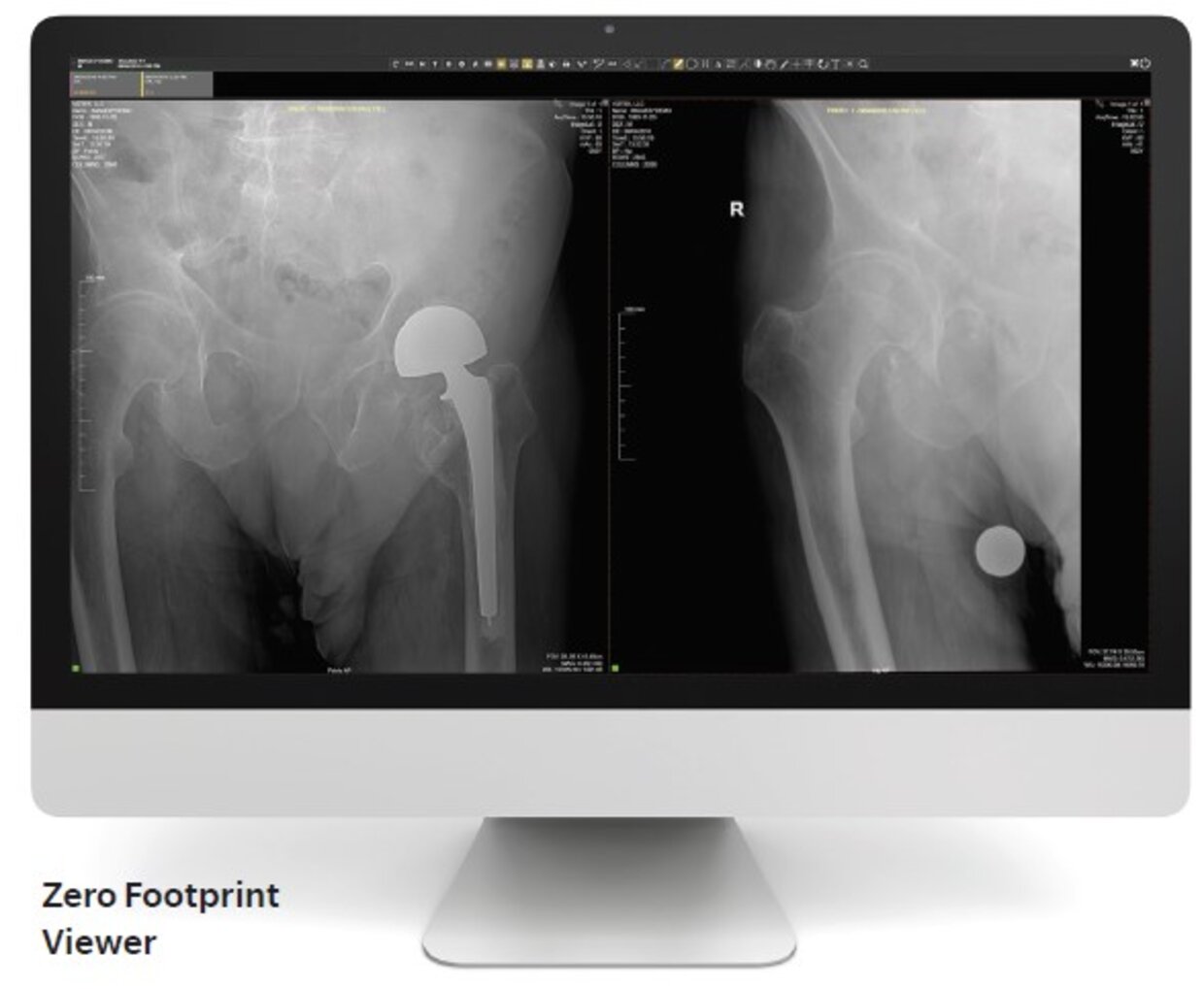
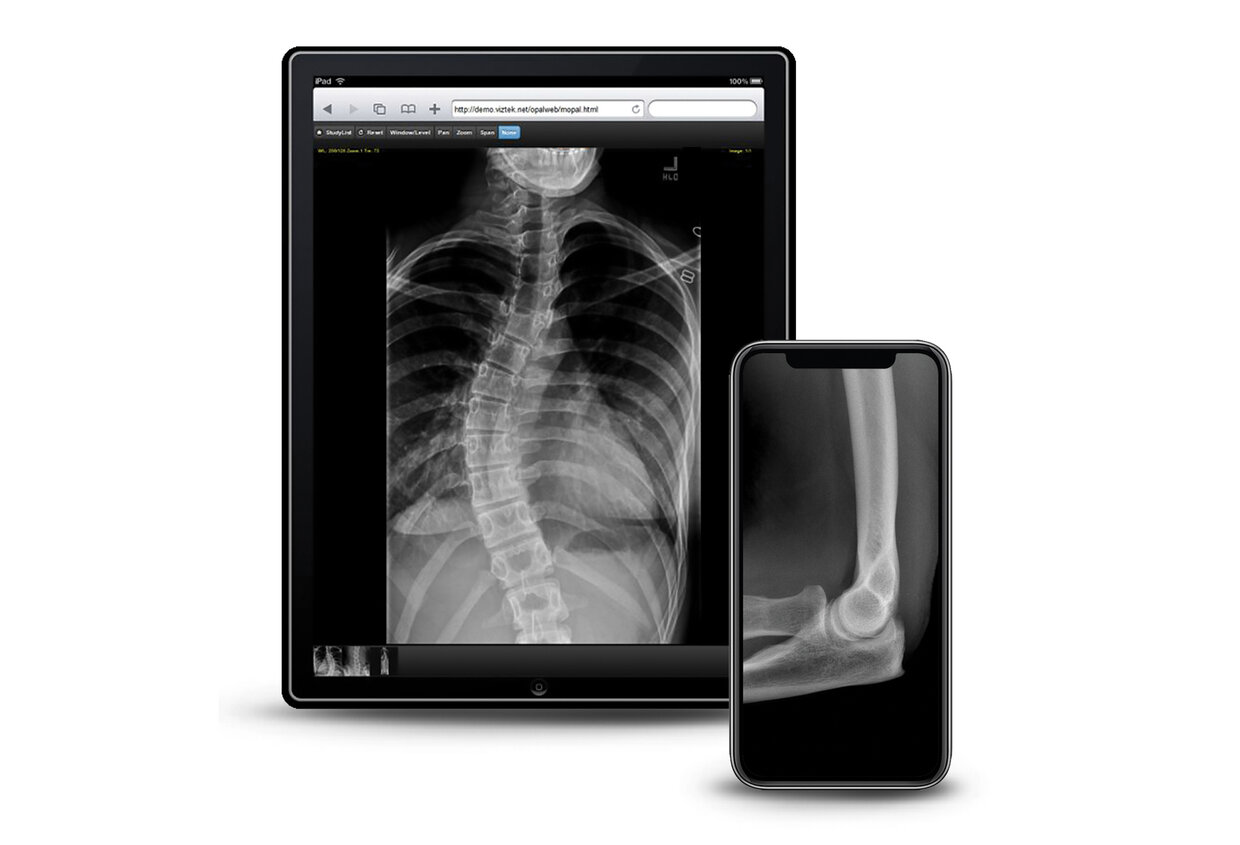
| Display | Zero Footprint viewer with full diagnostic toolsets; tablet and smartphone access supported |
| Image Processing | Server-side rendering reduces workstation workload and hardware requirements for image viewing |
| Connectivity | EHR integration; DICOM Modality Worklist from EHR; image link in EHR; PACS connectivity; physician portal; patient portal option; tablet and smartphone access |
| Workflow Interface | Drag-and-drop custom workflow design engine; worklist for managing studies; automated patient filter for multi-physician practices |
| Software Platform | Built on the Exa platform with Zero Footprint viewing and centralized software updates |
| Compatibility / Retrofit | Available on-site or in the cloud; supports multiple facilities; includes CD/outside image import; optional data migration and DICOM forwarder |
| Imaging Capability | Diagnostic-quality DICOM viewer with orthopedic measurement tools, spine labeling, templating support, and pre-operative planning file management |
| Clinical Applications | Specialty care imaging workflow, orthopedic pre-operative planning, image review, physician access, and patient image/report sharing |
Web-Based Imaging Workflow Access
Symmetry PACS combines browser-based image access, customizable workflow, and specialty imaging tools.
Zero-Footprint Image Access
The browser-based viewer allows diagnostic image access from computers, tablets, and smartphones without downloads, plugins, or workstation installs.
Centralized Viewing Performance
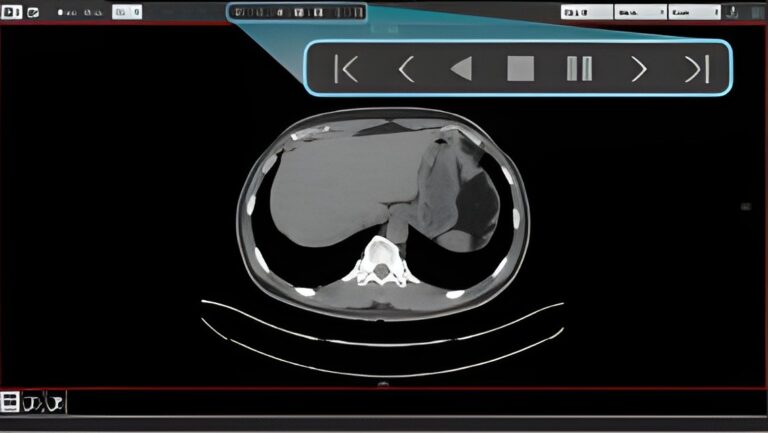
Server-side rendering keeps image processing at the server, reducing workstation demands while helping users open priors and current studies quickly.
Built for Specialty Practices
Symmetry PACS supports orthopedic and specialty workflows with templating, measurement tools, EHR integration, physician access, and cloud or on-site deployment.
Related Products

Imaging System Support
Your imaging equipment should perform reliably from day one through years of clinical use. Imperial provides ongoing support programs designed specifically for installed systems—helping protect image quality, reduce service disruptions, and extend equipment value.
Installation & System Readiness
Imperial prepares each system for real-world clinical use through coordinated delivery, installation oversight, system testing, and workflow validation to ensure confident day-one operation.
Performance Maintenance
Scheduled service and calibration help maintain imaging accuracy, system stability, and consistent performance across daily patient volumes and evolving clinical demands.
Technical Service Support
When service needs arise, Imperial’s imaging specialists provide dependable technical support focused on restoring performance and minimizing workflow interruption.

Get a Tailored Quote
Tell us about your imaging needs and goals—our team will provide a path forward.
Share your medical imaging equipment, service needs, or growth plans. Imperial will follow up with clear, practical recommendations.